


Slotrize Application
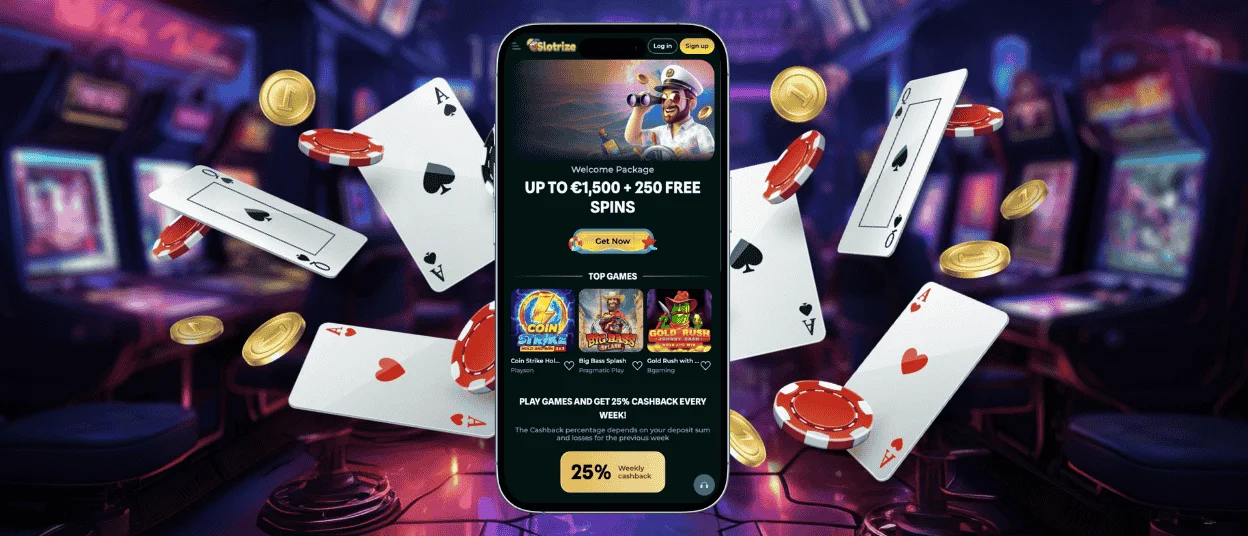
The Slotrize app allows players to access games on smartphones and tablets. Both Android and iOS devices are supported. A browser-based version is also available for those who prefer not to install anything. Logging into the same account on multiple devices keeps progress and achievements synced.



Slotrize Mobile Gaming
Slotrize works seamlessly across devices. Players can start a session on a desktop and continue on a phone without losing progress. Mobile play has become the preferred option for many — around 80% of users access the platform from their phones or tablets.
You get the same experience whether you use the mobile browser version or the app. The full game library is available, along with all core functions: registration, login, deposits, withdrawals, and account verification.
If any issues come up while using the mobile version, support can be reached through the live chat built into the app.
Slotrize App for Android
Android users can access Slotrize through a mobile browser like Google Chrome. The website automatically adjusts to fit different screen sizes.
Alternatively, there’s a dedicated app available. It’s a progressive web app, so there’s no need to download APK files from external sources. The app uses minimal storage space, mainly for cached data.
To install the Slotrize app on Android, follow these steps:
| Step | Details |
| 1 | Open the Slotrize website in your mobile browser. |
| 2 | Scroll down and tap “Casino App” in the footer. |
| 3 | Tap the “Install” button in the center of the screen. |
| 4 | Once installation is complete, the app icon will appear on your home screen. |
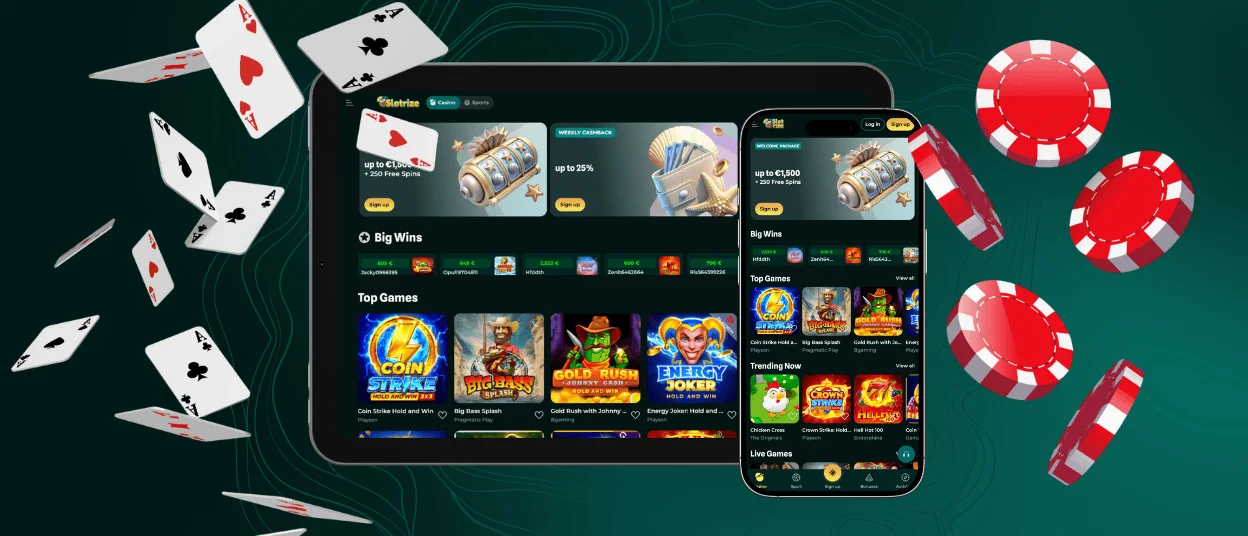
iOS Mobile Application
iPhone and iPad users can access Slotrize through the mobile browser or by installing the app. Since the App Store has restrictions on gambling apps, the installation is done directly through the website rather than the store.
Another option is to add a shortcut icon to the home screen for quick access. The mobile browser version includes the full game library — over 6,000 titles across slots, table games, live casino, and crash games.
To add the shortcut icon on iOS, follow these steps:
| Step | Details |
| 1 | Open the Slotrize website in your preferred browser. |
| 2 | Tap the “Share” button in the address bar (name varies by browser). |
| 3 | Select “Add to Home Screen” from the list. |
| 4 | Customize the icon name if needed. |
| 5 | Tap “Add” to confirm and create the shortcut. |
Slotrize Casino Desktop App for Windows/macOS
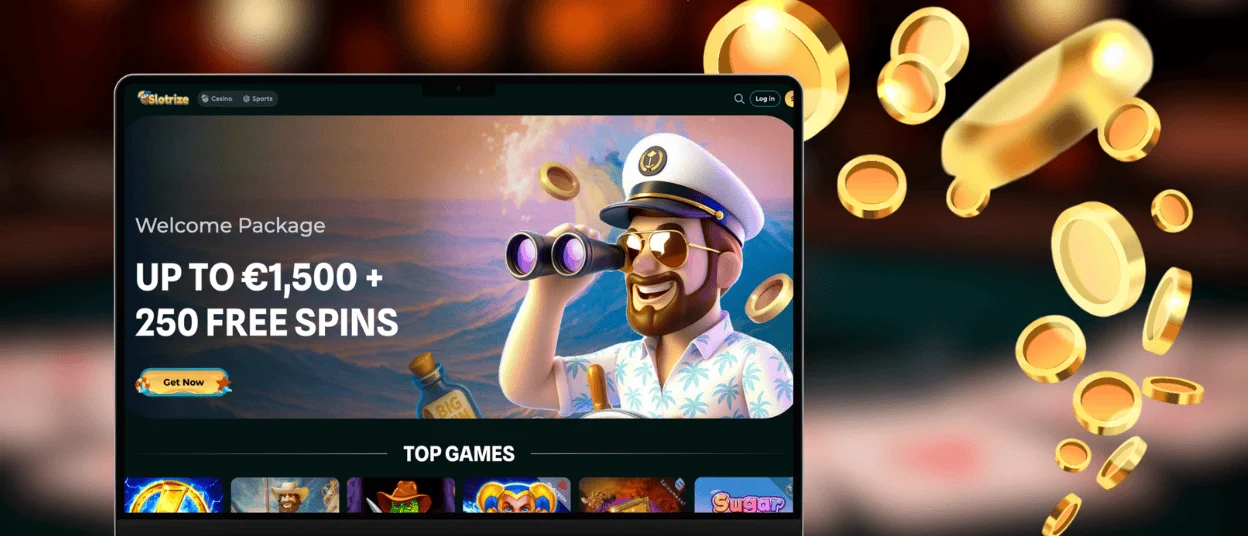
Slotrize works on desktop computers and laptops as well. Playing on a larger screen can enhance the overall experience. Progress and account settings stay synced across devices, so switching between a phone and a computer isn’t an issue.
With a stable internet connection, gameplay runs smoothly and pages load quickly. There are two main ways to use Slotrize on a desktop:
- Browser Version — The site can be opened in any browser, such as Chrome or Safari. No downloads or installations are needed.
- Shortcut Icon — For quicker access, a shortcut can be added to the desktop. This skips the step of opening a browser and navigating to the site manually. The shortcut doesn’t take up storage space.
FAQ
How Do I Contact Support in the App?
The mobile app for Android and iOS includes a built-in live chat for reaching the support team at any time. Email is also available for more detailed inquiries.
Do I Need an Account to Use the Slot Rize App?
Creating an account is necessary to access all features and games. Some titles can be played in demo mode using virtual coins, though winnings from demo play cannot be withdrawn.
Are All Games Available in the App?
Yes, the full library of over 6,000 games is accessible through the app. This includes slots, table games, live dealer options, and crash games. All titles are optimized for modern mobile devices.
How Can I Update the Slot Rize Casino App?
The Slotrize app is a progressive web application, so it updates automatically. No manual action is needed.


